• Home
  • About
    • Contact Me
  • Privacy Policy
  • PR OK
    • Sponsorship Opportunities
  • My Connections
  • Easy Recipes

The Mom Maven

Tales, Tastes & Travels

  • Reviews
  • Giveaways
  • Entertainment
  • Disney
    • Mouse House Memories
  • Travel
    • Florida Attractions
      • Adventure Island
      • Aquatica
      • Busch Gardens
      • Discovery Cove
      • Disney
      • Legoland Florida
      • SeaWorld
      • Universal
    • United States
    • International
    • Cruising
  • Faith
  • Parenting
  • Blogging
  • Wedding
You are here: Home / Wedding / Using Pinterest to Plan Your Wedding-Wedding Wednesday

Using Pinterest to Plan Your Wedding-Wedding Wednesday

This article may include a provided product or affiliate link. See footer for full details.”

July 23, 2014 by cindy Leave a Comment

Tweet

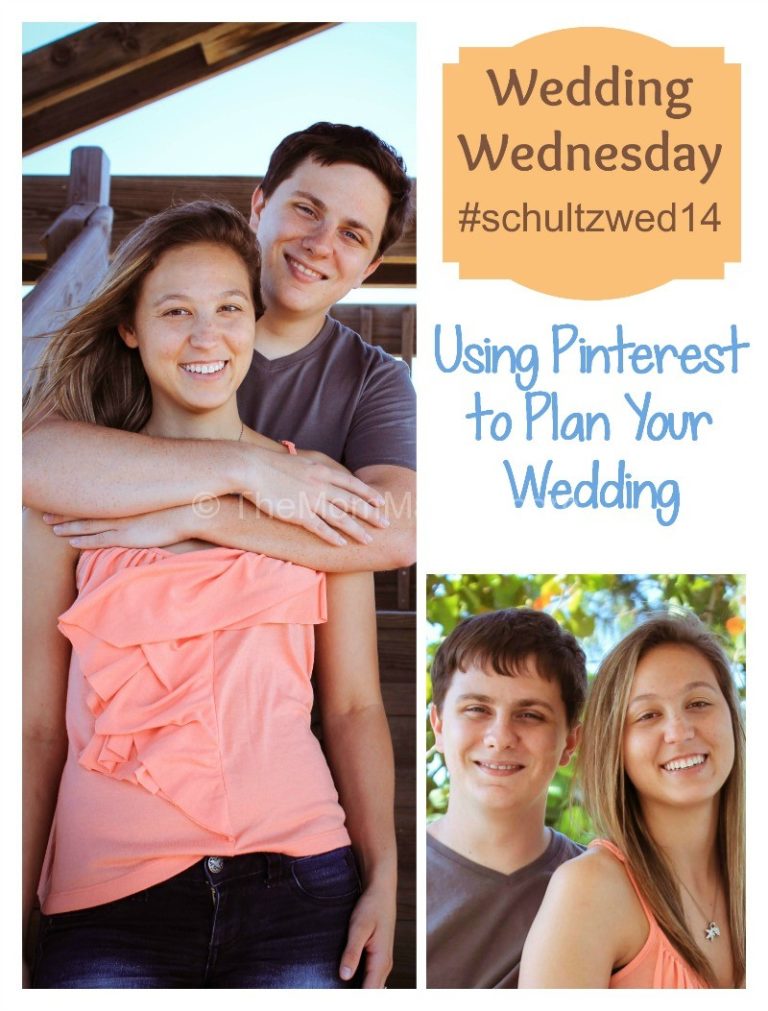
The last two weeks we’ve talked about choosing your wedding colors and your wedding style. In both of those posts I’ve talked about using Pinterest to plan Aaron and Summer’s wedding. Pinterest is a phenomenal tool for wedding planning and today I’m going to share with you why and how we are using it to plan the wedding. I use Pinterest a lot and I actually started a wedding board before Aaron and Summer were engaged. I knew it was coming within a year so I started a board and I had pinned a few things that happened to pop up in my stream. Once the engagement happened I renamed the board and went into full wedding planning mode. Wedding Wednesday Using Pinterest to plan your wedding-TheMomMaven.com
Why I use Pinterest to plan Aaron & Summer’s Wedding

  1. It is easy to store everything in one place. Anything I find online that I think might be useful for the wedding I can pin to the wedding board for later reference.
  2. Inspiration-Pinterest is the visual search engine. Just pop a term in the search box and scroll through everything tagged with that term.
  3. Summer-Summer isn’t your typical girl who has dreamed about her wedding for years. She’s never watched a wedding themed TV show or read a bridal magazine <gasp!>. She isn’t on Pinterest either. All of this has made planning her wedding different than any of the other weddings I’ve helped plan.

How I Use Pinterest to plan Aaron & Summer’s Wedding

  1. Each Tuesday evening when we meet to work on wedding planning I refer to items I have pinned so that Summer can make decisions.
  2. We sometimes search Pinterest together to create a pool of options to choose from. Summer is not a very decisive person and she does much better choosing from 3-4 things than a whole lot more.
  3. I have searched by color “turquoise wedding”.
  4. I have search by theme “rustic chic wedding”.
  5. I have searched by type “DIY wedding”, “frugal wedding”.
  6. As we go through our wedding binder in our planning sessions, I make note of what the next topic is ie. wedding vows, attire, seating arrangements etc and during the next week I search out things to present to them in our next meeting.
  7. I’m not afraid to un-pin. Some people will tell you that you should never un-pin, I disagree. If on your wedding board you have something pinned that you have since ruled out, go ahead and un-pin it. You don’t want your board cluttered with things you don’t want or need.

Follow Cindy Schultz-TheMomMaven.com’s board Ideas for Aaron’s & Summer’s Wedding on Pinterest.

Have you or are you using Pinterest to plan your wedding? Please follow out board and leave a link to your board in the comments.

New signature

Filed Under: Wedding Tagged With: pinterest wedding, using pinterest to plan your wedding, wedding planning

About cindy

I'm Cindy aka TheMomMaven. I'm a happily married empty nester living in Tampa Bay. I love all things Disney and I blog about easy recipes, family travel, family entertainement as well as product reviews and giveaways.

Leave a Reply Cancel reply

Your email address will not be published. Required fields are marked *

Recipe Rating


CommentLuv badgeShow more posts

You can add a link to follow you on twitter if you put your username in this box.
Only needs to be added once. No http or @

Join Me Around the Web

  • RSS
  • Pinterest
  • Instagram
  • facebook
  • twitter
  • youtube

Disclosure Policy

This policy is valid from 02 April 2009. This blog is a personal blog written and edited by me. For questions about this blog, please contact info@themommaven.com. This blog accepts forms of cash advertising, sponsorship, paid insertions or other forms of compensation. The owner(s) of this blog is compensated to provide opinion on products, services, websites and various other topics. Even though the owner(s) of this blog receives compensation for our posts or advertisements, we always give our honest opinions, findings, beliefs, or experiences on those topics or products. The views and opinions expressed on this blog are purely the bloggers' own. Any product claim, statistic, quote or other representation about a product or service should be verified with the manufacturer, provider or party in question. This blog does contain content which might present a conflict of interest. This content will always be identified. To get your own policy, go to http://www.disclosurepolicy.org

Creative Commons License
This work by Cindy Schultz is licensed under a Creative Commons Attribution-Noncommercial-No Derivative Works 3.0 United States License.


BlogWithIntegrity.com
